
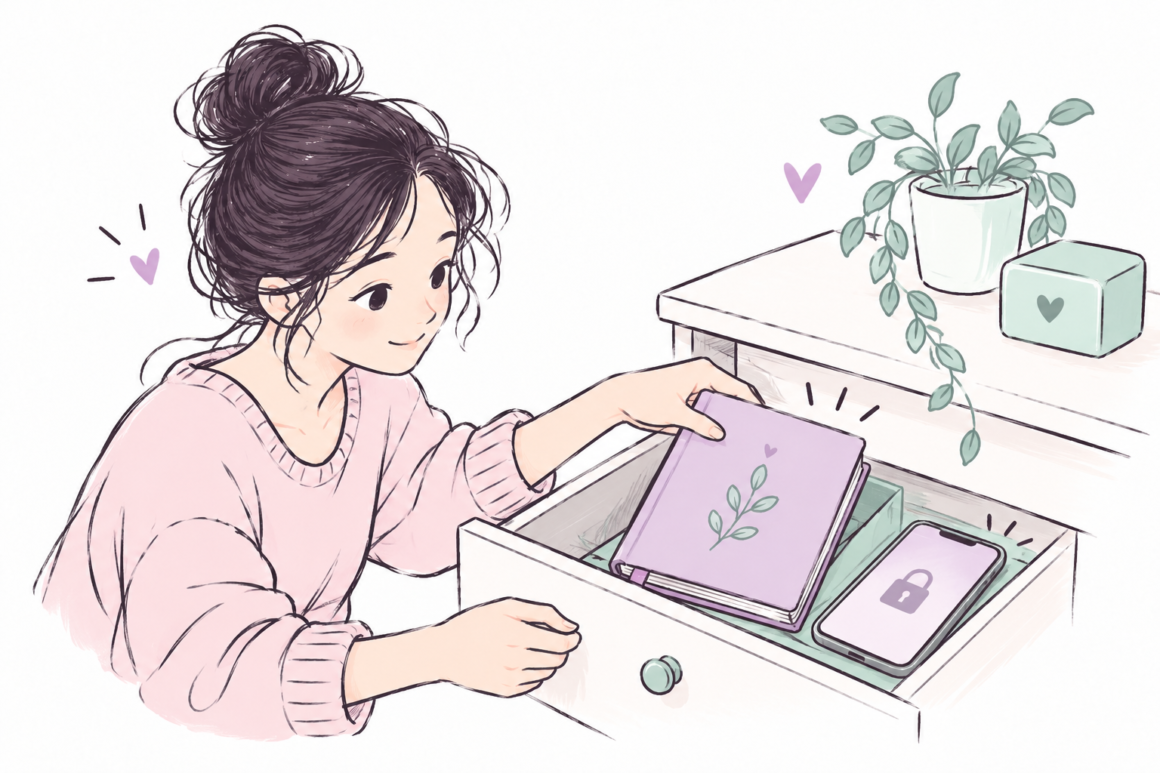
To keep a journal private, choose where it lives, control who can open it, and check where copies go. A hidden notebook, an app password and a cloud account solve different problems. The most useful setup is one you understand and can keep using.
This guide helps you choose ordinary privacy precautions for paper and digital journaling. It cannot guarantee secrecy, and it is not a specialist safety plan for someone facing surveillance or coercive control. You can also keep entries brief, use initials or avoid recording sensitive details altogether.
Start with the access you actually want to prevent
Before buying a lock or downloading another app, complete this sentence: “I want to keep my entries away from ___, but I still need to access them when ___.” This makes the decision concrete.
- Casual access: a visitor notices an open page on a desk.
- Shared access: a household member uses your tablet, computer or storage account.
- Account access: someone signs into your email or journal app.
- Accidental sharing: a screenshot, backup or shared folder exposes an entry.
These risks need different responses. Putting a notebook away may address casual visibility. It does not address someone deliberately searching for it. An app lock may hide a screen while leaving exported files unprotected.
Paper or digital: compare the trade-offs
On a small screen, scroll the table sideways to see every column.
| Option | What it can help with | What to check |
|---|---|---|
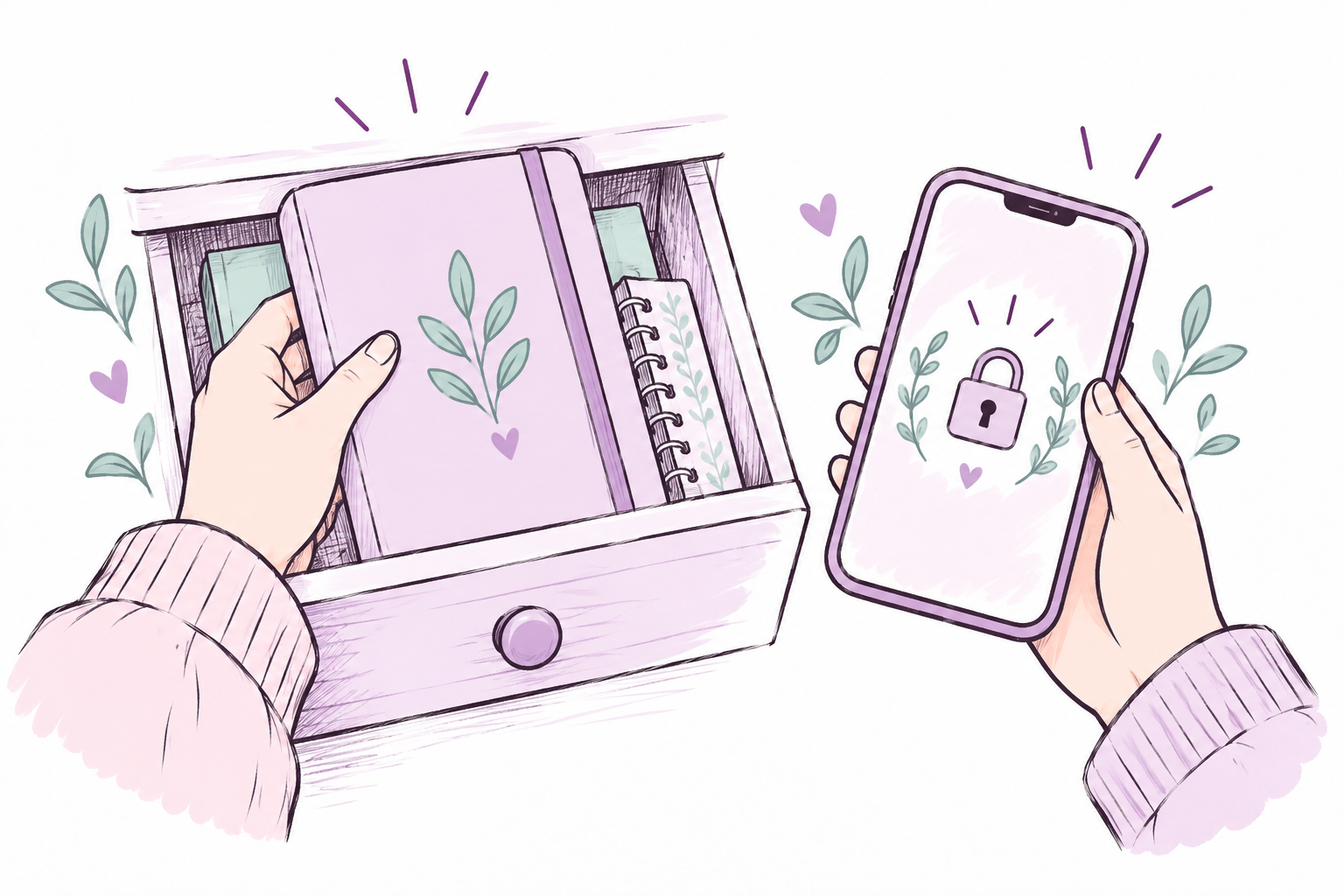
| Paper journal in a drawer | Keeping pages out of casual view | Who can open the drawer; where the journal goes during travel |
| Paper journal in a locked container | Adding a physical access barrier | Key storage; shared access; risk of losing or damaging the notebook |
| Local digital file | Writing without automatic online sharing, if configured that way | Device access, file permissions and whether the folder actually syncs |
| Journal app with syncing | Convenient access and recovery across devices | App lock, account security, encryption documentation, sharing and export settings |
No format is automatically best. Choose the option whose access, backup and deletion settings you can explain in plain language. If you are still choosing a writing format, compare our types of journaling guide. Privacy needs can change which format feels usable.
A practical setup for a paper journal
- Choose a home for it. Use a place away from shared surfaces. A plain cover can reduce casual attention, but it is not a security feature.
- Decide what stays off the page. Avoid recording passwords, complete account numbers or other details you do not need for reflection. You can write “the appointment” instead of a full identifying record.
- Plan for carrying it. Put it inside a closed bag, keep track of it in shared spaces and avoid leaving it open while you step away.
- Set a household boundary if safe. “This notebook is personal. Please ask before moving it, and do not read it.” A clear boundary helps communication; it cannot force someone to respect it.
- Choose whether to retain it. You do not have to preserve every entry. Consider the privacy consequences of keeping notebooks, photographing them or disposing of them.
For example, a reader sharing a living room might write at the kitchen table, then store the notebook in a personal drawer. They might use initials for other people and leave work documents out of the journal. This is an illustrative setup, not a promise that a drawer prevents deliberate access.
A practical setup for a digital journal
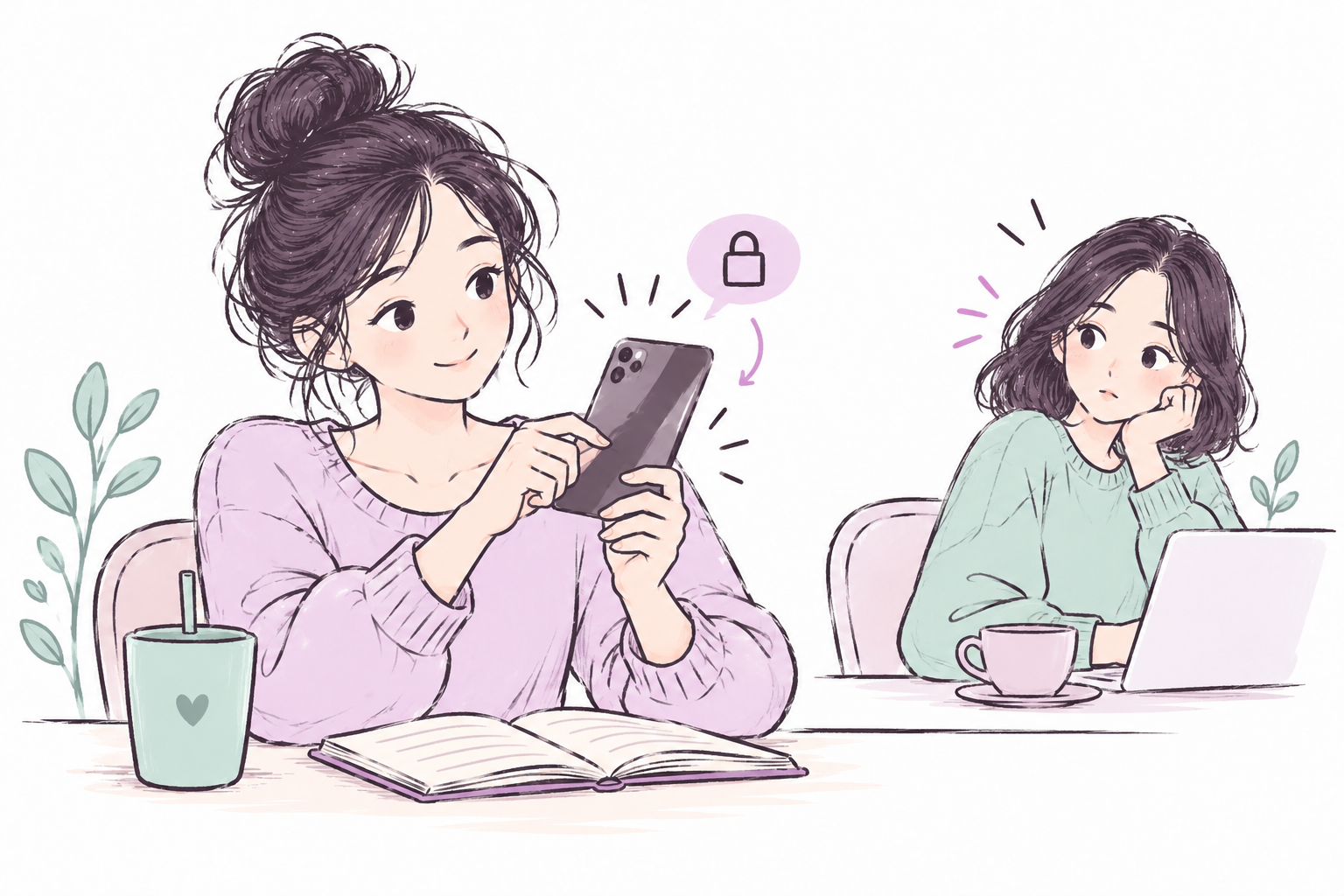
Check the device, app and account separately. A strong password on one layer does not tell you what happens at the others.
- Use a device screen lock and avoid leaving a journal open on a shared device.
- Use a unique account password and enable multifactor authentication where available. CISA’s online security guidance recommends these precautions, along with software updates and awareness of phishing.
- Check whether a personal folder syncs into a shared cloud account.
- Read the app’s current privacy and encryption documentation. An “app lock” and end-to-end encryption describe different protections.
- Look at notification previews, recent-file lists and exported PDFs. These may reveal content outside the app itself.
- Keep recovery access somewhere appropriate. A privacy setup that locks you out can make your own journal inaccessible.
A useful check is to close the journal, reopen the device as you normally would, and notice what is visible before you deliberately open an entry. Do not assume a setting worked simply because you turned it on.
Share an insight without sharing the whole journal
Private writing and a message to someone else can be separate documents. If you want to explain a need, write a new short message using only what you intend to disclose. For example: “I noticed I need a quiet half-hour after work” communicates a request without forwarding pages about a difficult week.
Before sharing a screenshot, look for names, page edges, other entries and account details. Our guide to being vulnerable without oversharing can help you decide how much context belongs in a conversation.
Your journal privacy checklist
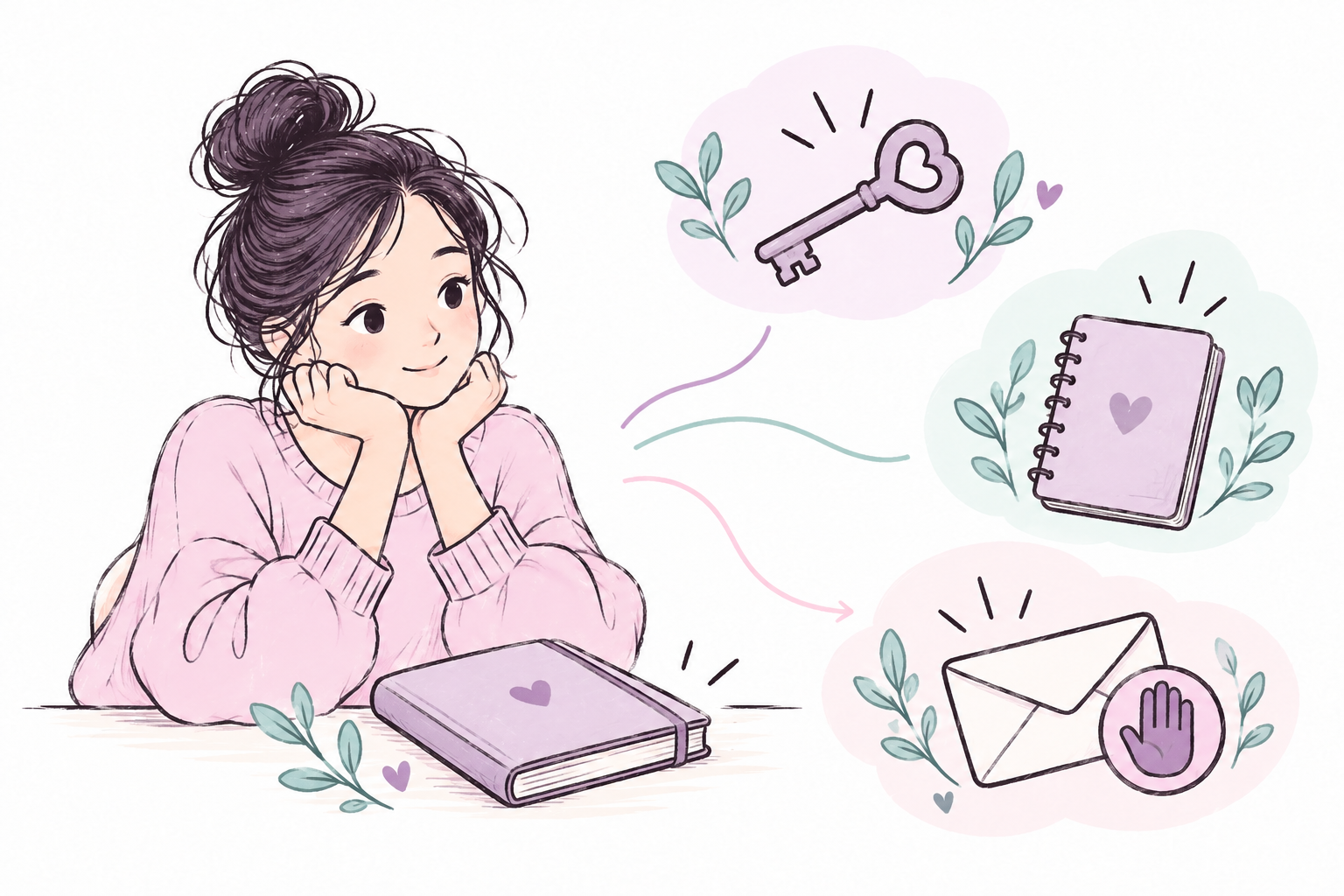
- I know where the original journal lives.
- I know who can access that place, device or account.
- I know whether copies, exports or automatic backups exist.
- I have left out sensitive details that are unnecessary for reflection.
- I have a plan for travel, shared spaces and device repair.
- I can recover access without exposing entries unnecessarily.
- I review the setup when my household, device or app changes.
Common questions
Is hiding a journal enough?
It can reduce casual visibility. It is a weak barrier against deliberate searching. Choose precautions according to your circumstances, and do not rely on hiding alone when discovery could put you at risk.
Do I have to write names or detailed stories?
No. A journal can focus on your feelings, choices and next steps without preserving an identifying account of every event. A two-line entry can still support reflection; see our five-minute journaling template.
What if privacy worries stop me writing?
You can use a less detailed format or pause. Journaling is optional. If someone monitors your belongings or devices and you fear their reaction, ordinary privacy tips may be inadequate; seek appropriate local support through a safe channel.
Choose one improvement today
You do not need an elaborate system. Check the place you write, the place you store the journal and the place copies go. Fix the weakest point you can safely change, then return to the purpose of the journal: a space to think in your own words.
Source: CISA: Secure Our World. The storage checklist and examples above are practical editorial suggestions, not a security guarantee.